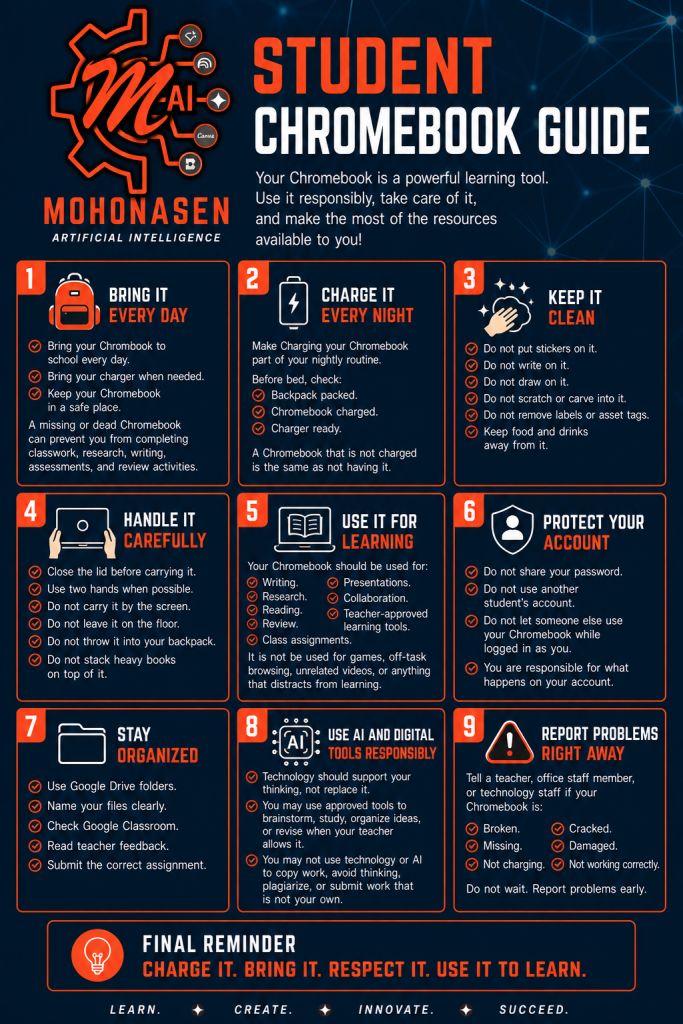

Each student in Grades 9–11 will receive a school-issued Chromebook for use throughout the school year. Students are responsible for bringing it to school every day, keeping it charged and caring for it properly. Families will be notified of any damage or loss procedures.
Please note: A missing or dead Chromebook is the same as not having it. Students who arrive without a charged device may be unable to complete classwork, research, writing, assessments and review activities.
Student Responsibilities
1. Bring It Every Day: Bring your Chromebook to school every day, bring your charger when needed and keep it stored in a safe place in your bag.
2. Charge It Every Night: Make charging your Chromebook part of your nightly routine. Before bed, check that your Chromebook is charged and your charger is packed and ready to go.
3. Keep It Clean: Do not put stickers on it, write on it, draw on it, scratch or carve into it, or remove any labels or asset tags. Keep food and drinks away from it at all times.
4. Handle It Carefully: Close the lid before carrying it. Use two hands when possible. Do not carry it by the screen, leave it on the floor, throw it into your backpack, or stack heavy books on top of it.
5. Use It for Learning: Your Chromebook should be used for writing, research, reading, review, presentations, collaboration, and teacher-approved learning tools. It should not be used for games, off-task browsing, unrelated videos, or anything that distracts from learning.
6. Protect Your Account: Do not share your password or use another student’s account. Do not let someone else use your Chromebook while you are logged in. You are responsible for everything that happens on your account.
7. Stay Organized: Use Google Drive folders and name your files clearly. Check Google Classroom regularly, read teacher feedback, and always submit the correct assignment.
8. Use AI and Digital Tools Responsibly: Technology should support your thinking, not replace it. You may use approved tools to brainstorm, study, or organize ideas when your teacher allows it. You may not use technology or AI to copy work, avoid thinking, plagiarize, or submit work that is not your own.
9. Report Problems Right Away: Tell a teacher, office staff member, or technology staff if your Chromebook is broken, cracked, missing, not charging, or not working correctly. Do not wait.
Before distribution day, please make sure your student is ready:
- Student ID ready to verify identity at pick-up
- Backpack with a safe pocket or sleeve to carry the Chromebook
- Any required paperwork completed (contact the school office if a technology use agreement needs to be signed)
- A charging spot designated at home so your student charges every night
- Review the expectations above together as a family